Open-source Fig alternative: ghost-complete
The terminal is the best friend of most developers. It’s part of what makes a developer’s experience (DX) better. And many of us customize and tune it to our preferences.
Fig was a cool tool that made it a tad-bit quicker to work on a terminal with drop-down auto-suggest/auto-complete to quickly look up commands and options. It also suggested from history, so when you are debugging something and looking for logs in multiple places, it was great to quickly look through and execute the previous command.
And then the worst possible thing to happen… (aside, can skip)
…to an open-source tool, happened! It got acquired by Amazon. And thus began the enshittification of the product. It started as a simple rebranding to Amazon Q. I guess there was also a brief effort to add it to CodeWhisperer (which was Amazon’s auto-suggest/auto-complete solution for IDEs). In the end, everything converged to Amazon Q and later to Kiro CLI. Kiro CLI was of course, a closed-source product with AI features. Kiro CLI never worked for me - I had to constantly repair the integration; it regularly logged me out of the AWS account, prompting me to relogin several times; further, the popup window for suggestions started coming up all over the screen away from the cursor.
After being acquired and enshittified, the open-source project fizzled out. I was on the lookout for an alternative, checking every few weeks. I was very pleased to stumble upon ghost-complete, which takes inspiration from Fig, but is built from scratch in Rust.
Installation via homebrew was straightforward:
brew install StanMarek/tap/ghost-completeghost-complete installAnd voila:
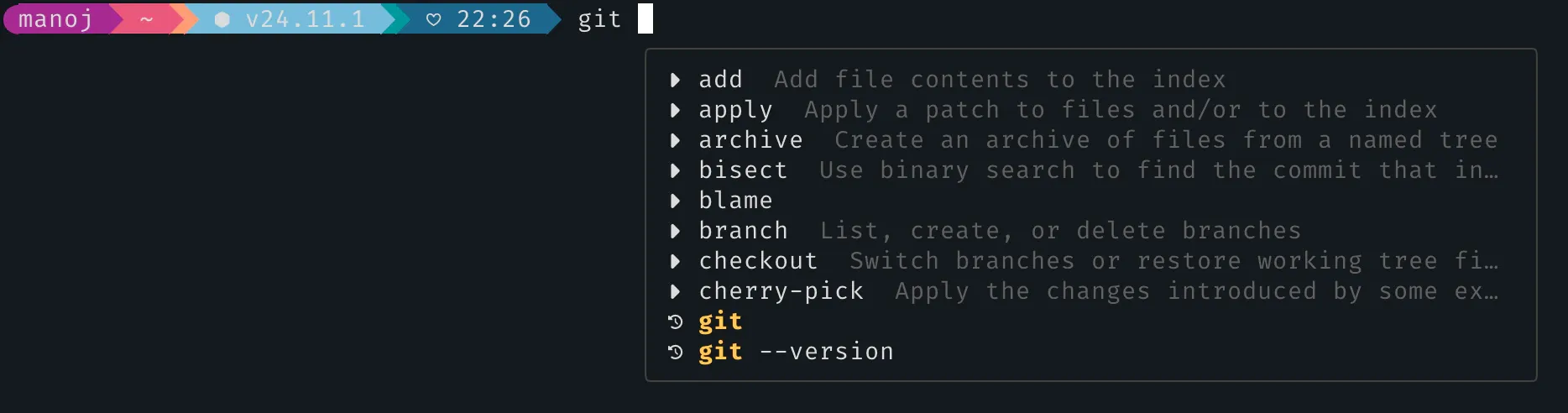
The best part of ghost-complete is that it requires no additional permissions!
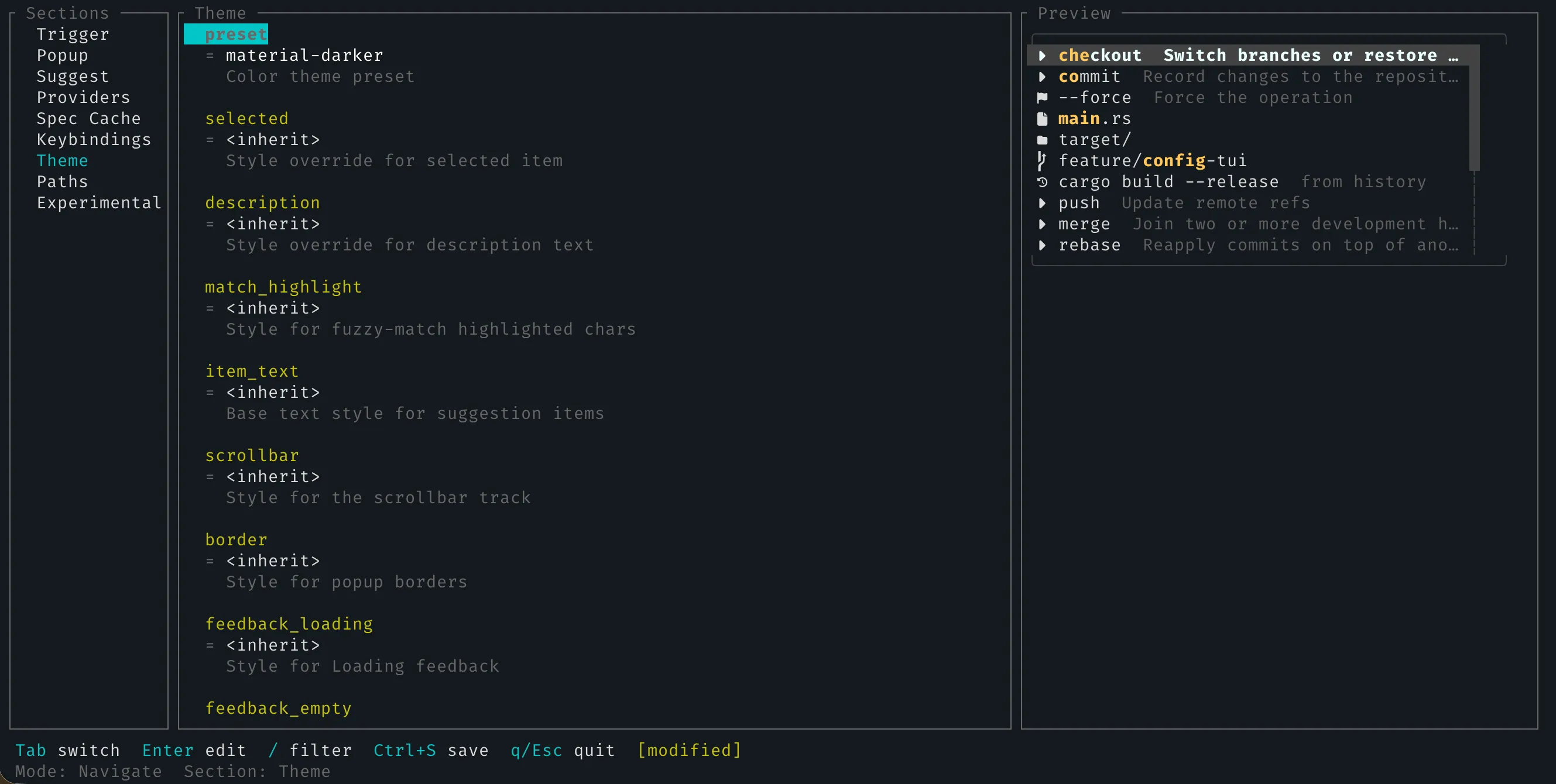
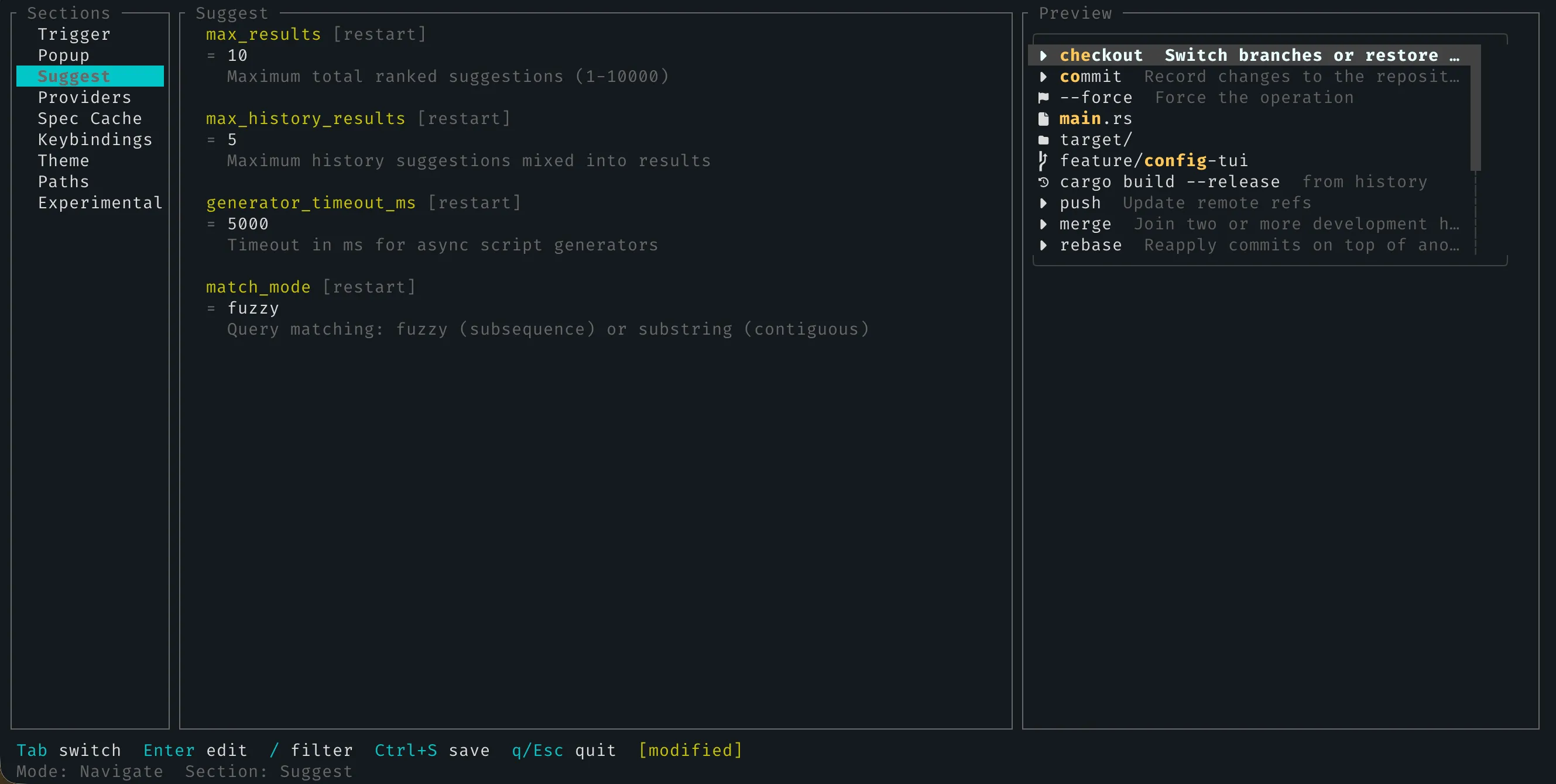
It comes with a host of options to tweak its look and behaviour: